Groups
Groups are a level's classes, courses or sections: "3rd A", "Green Room", "Year 5 Economics".
They're the backbone of the system. Every student belongs to one or more, teachers are assigned to them, and almost everything else —messages, activities, report cards, events, the wall— is organised around them.
Use clear, consistent names. "3rd A" beats "3A2026" or "Third A morning shift Ms. González".
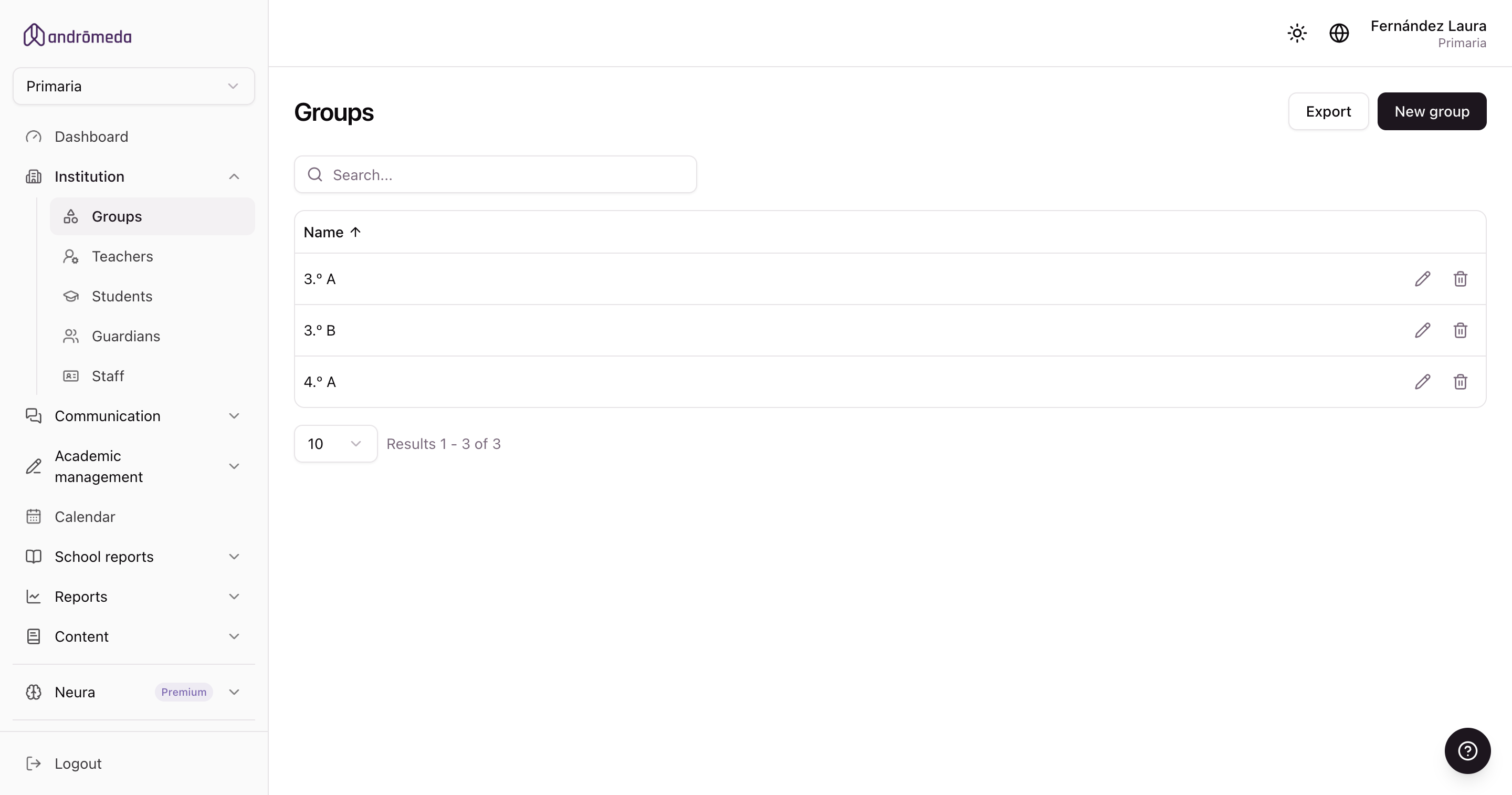
Creating a group
Use New group. The form has four parts.
1. The name
What families will see the group identified by.
2. Teachers and what they teach
You add one teacher per row and choose which subjects they teach in that group.
The same subject can be taught by several teachers, and the same teacher can teach several subjects. That's normal in secondary.
3. The subjects
They build themselves from what you chose under teachers: there's no separate list to fill in.
For each one you decide two things:
| Option | What it means |
|---|---|
| Appears on the report card | Whether the subject shows on the report card or not. |
| Counts towards the average | Whether its mark is included when calculating the overall average. |
You can also drag them to reorder, which is the order they'll appear in on the report card.
4. The students
You choose who's in the group, from a dropdown with a search box.
The student list is the definitive list: when you save, anyone not on it stops belonging to the group. It isn't a list you can only add to.
The buttons on the record
To the right of the form there are shortcuts to download the group's teachers, students or guardians to Excel, and to open the coverage report.
The group's coverage report
It shows which students in the group have a guardian using the app and which don't. It's the most direct way to spot families who are being left out.
- A student counts as covered if at least one of their guardians has opened the app in the last three months.
- The coloured dot next to each guardian shows how long ago they were last in: active, a long time ago, or never.
Contact them another way —phone, notebook, at the gate— and help them install the app. Until they get in, they receive nothing the school sends.
Groups spanning more than one year
If your school assesses a group continuously across more than one year —rather than closing marks each year— you mark it as a pedagogical unit. That's covered in Special report cards.
Frequently asked
Can a student be in several groups?
Yes, and it's the norm in secondary: the base class plus groups for electives, workshops or languages.
I added a teacher but they don't show in the Teachers list
A teacher reaches a level through groups. If you added and saved them, they should appear. If they don't, check that you saved the group.
What happens to groups at the turn of the year?
Last year's groups are kept with their history: their messages and report cards stay put. For the new year you create the new groups and assign the students who belong in them.
