Signing in
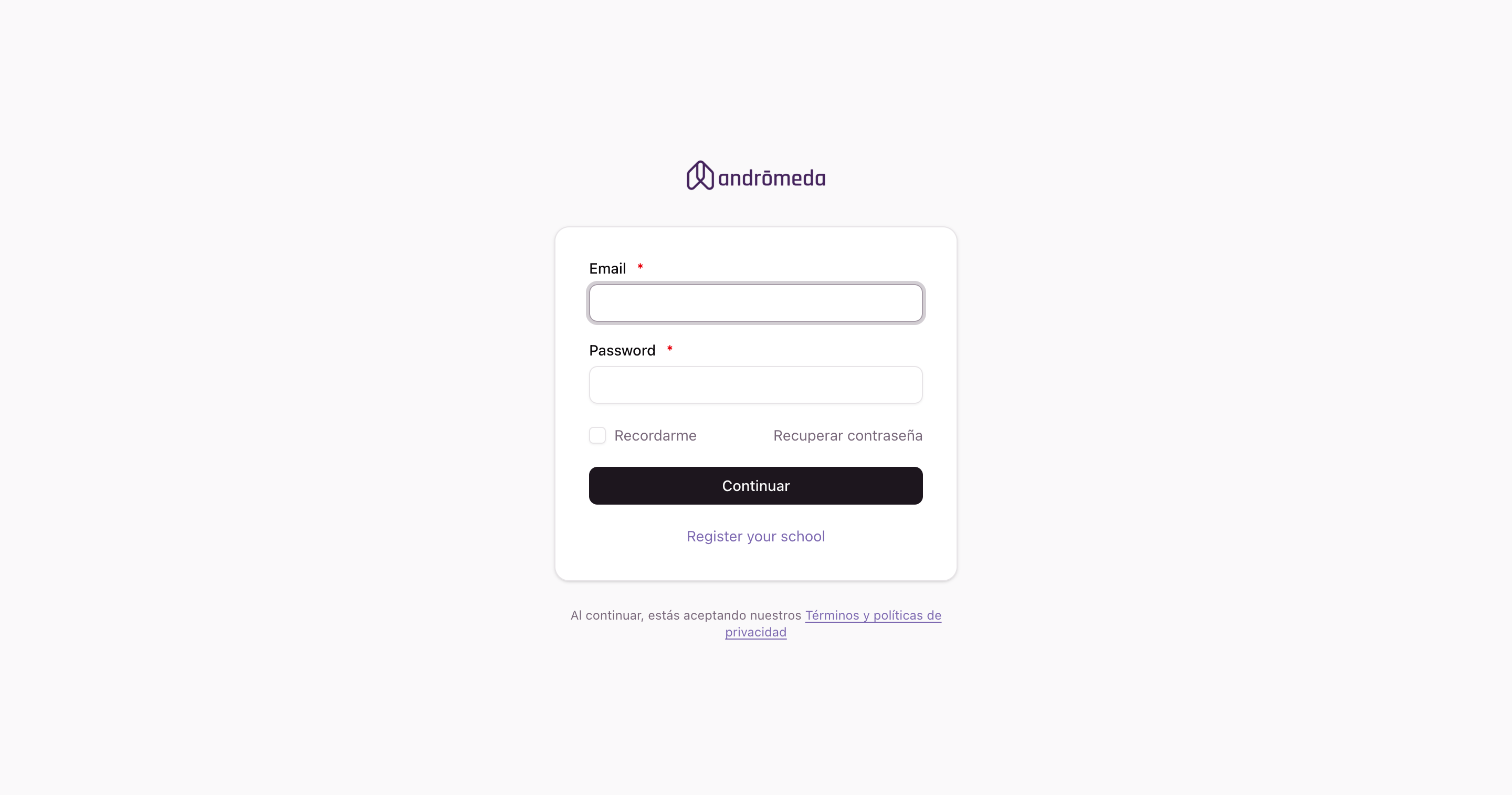
To get into the panel you need your email address and your password. They're the ones you registered with, or the ones we emailed you if someone else created your account.
Signing in
Enter your email and password
The email address you're registered under.
Decide whether to be remembered
If you tick Remember me, the browser keeps your session open and you don't have to type your password every time.
Click Continue
You'll land on the Summary, the panel's home screen.
The panel is available in Spanish, English and Portuguese. You can switch from the sign-in screen itself, without having to get in first.
If you forgot your password
Click Recover password, enter your email address, and we'll send instructions for choosing a new one.
The link goes to the address registered in the system. If you no longer have access to that mailbox, ask an administrator at your school to change it from Users.
If you're a teacher or a family
This documentation is about the panel, which is the tool for people who administer the school.
Teachers, guardians and students don't sign in here: they use the app on their phones, with that same email address and password. If a family can't get in, you can resend their password from the panel: find the person under Guardians and open their record.
Signing out
The last option in the side menu is Sign out. Worth using if you share the computer with other people.
Trouble signing in
It says «Incorrect email or password»
Check that Caps Lock isn't on and that the address has no stray spaces at the start or end. If it still won't work, use Recover password.
I get in but the menu isn't what I expected
Each role sees a different menu, and an administrator of several levels sees the menu of whichever level they're standing in. Check the selector at the top left: you may be in another level, or in school mode. It's explained in A tour of the panel.
My session closed on its own
After a long stretch of inactivity the session closes for security. If you'd ticked Remember me, you get back in without typing anything.
